Zen Scripts for Beginners | Free Scripts, Setup & Guide
Free Zen Scripts For Beginners: A Complete Guide To Features, Setup, And Compatibility
Ever wonder how gaming scripts function, and how novices can check them out safely? Free Zen Scripts offer users the ability to delve into script-based settings and supported controller customisation options. But selecting appropriate files involves extensive research and a basic understanding of the technical issues. We know how important compatibility and instructions are in this industry, so we are experts. The script features, setup, compatibility, and common problems are explained in this guide.
Want To Understand The Gaming Scripts That Are Involved
Script in Gaming: Small programs designed to execute particular tasks via suitable gadgets. They can automate supported inputs or make some adjustments to the controller's settings. They have a variety of functions depending on the script, device, and target game. It is important to know these differences for beginners when selecting a file. Some scripts can control basic input sequences; others have options that can be configured. Users benefit from reading documentation, which will give them an understanding of what each script does and what is limited. This information helps you to choose appropriate files and prevents confusion in setup
Read And Understand Important Features Before You Pick Any Script
Having an idea of the features of the Cronus Zen Scripts will help you decide which to choose. Some scripts will allow you to change settings for supported inputs; some are based on an action or controller setup. The user can make configuration decisions to tailor supported controls, without having to edit all aspects of a file. Some scripts require specific versions of software or configuration of the controller. A setup file can work in one setup but not in another.
Easy-To-Follow Instructions To Download And Install Scripts
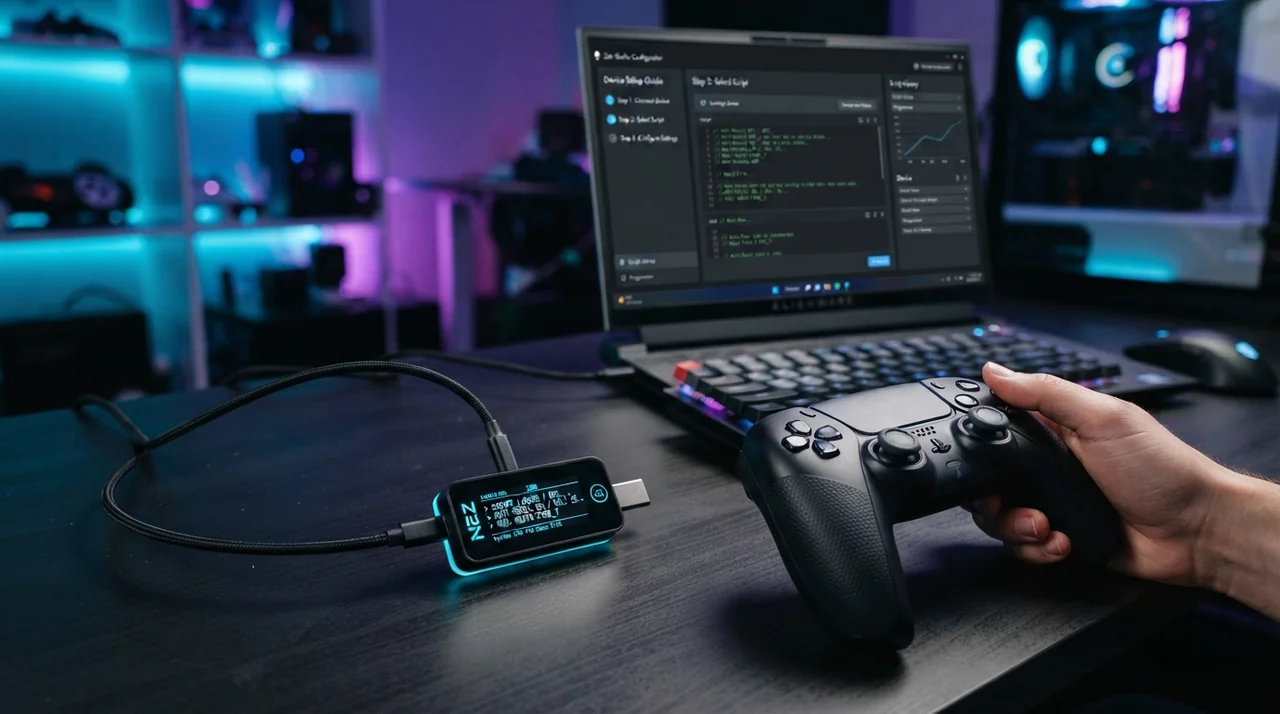
How to Install Zen Scripts: Research, start with the docs of the compatible device. Find a reliable source and verify the format of the file. Do not download unusual software, installers, or request permissions that are not required. Then, install the necessary software and attach the device if necessary. Open the proper configuration tool and follow its import procedure. Click on the file once checked for compatibility. Lastly, test it in an allowed setting and determine if the supported functions respond correctly.
Identify And Resolve Typical Installation Issues With Ease
Read the error message and see if the device's requirements are met. If a script cannot be loaded, verify the file format and the version of the software that is supported. Be sure to read the instructions before trying another import. A controller problem can be due to a connection or configuration problem. It's not always suitable to choose an advanced script. Simple options with clear instructions work best for the beginner. Comments from the last few days might indicate compatibility issues or feature shortcomings. Select a script to suit your technical experience. Know what it does before changing it, and don't use files that include obscure instructions or don't have proper documentation.
Get More Prepared To Use Compatible Scripts
Consider compatibility, documentation, safety, and convenience when choosing Free Zen Scripts. Follow a procedure to get started. Find out which device the app is for, to see if it will work, and to follow the installation instructions. Get files from reliable sources and run them cautiously. Every step clarifies and prevents common errors. Beware of the quality and reliability of free scripts. Check and obey the security risks and rules of the game you have picked. Always make copies of live configurations where possible. Evaluation of what is available can be done confidently and the handling of compatible setups managed responsibly in a responsible way, with preparation.
Make The Next Step In Script Selection Safer
Looking to get into customising your games using scripts? First, verify the device model and the software versions supported. Read through trustworthy information before making a proper selection of a fit file. Install and play according to the rules of your game.
Frequently Asked Questions
- What are common uses for gaming scripts? Gaming scripts can help to control supported inputs or also modify some of the controller functions. They are capable of various tasks, depending on the equipment, software, and their use.
- Is it Safe to download and use Free Scripts? Certain downloads can be safe; others can have malicious or altered files. Review file permissions; check the source before using.
- Are scripts difficult to set up for newbies with no technical background? Yes, there are clear instructions for supported configurations for beginners. Include only the steps in setting up and refrain from sophisticated modifications till you're familiar with the process.
- Are all the scripts compatible with all the game controllers? No, it's not compatible with all devices, all firmware versions, and all controller types. Make sure to review the documented requirements before downloading or installing any script.
- Do gaming scripts pose any issues for online games? Some scripts may conflict with the rules of the game or policies of the platform. Read the terms of use before using them, as there may be possible limitations on accounts or penalties.